HomeGuide
How to track calories on WhatsApp
You send your meal to Hephira on WhatsApp, as a photo, a voice note or text. It replies in the conversation within seconds, with an estimate of the calories and macros, and there is no app to install.
Three steps
-
Open the conversation
Tap the button below on your phone, or scan the QR code from a computer. WhatsApp opens the conversation with Hephira and sends the first message for you. Hephira replies, and your 3-day free trial starts, with no credit card.
Try it free on WhatsApp3 days free · no credit card

Or scan the QR code
-
Send your meal
Take a photo of your plate, record a voice note, or simply write what you ate, for example “2 eggs and a slice of toast”. Nothing to weigh, nothing to look up in a food database.
-
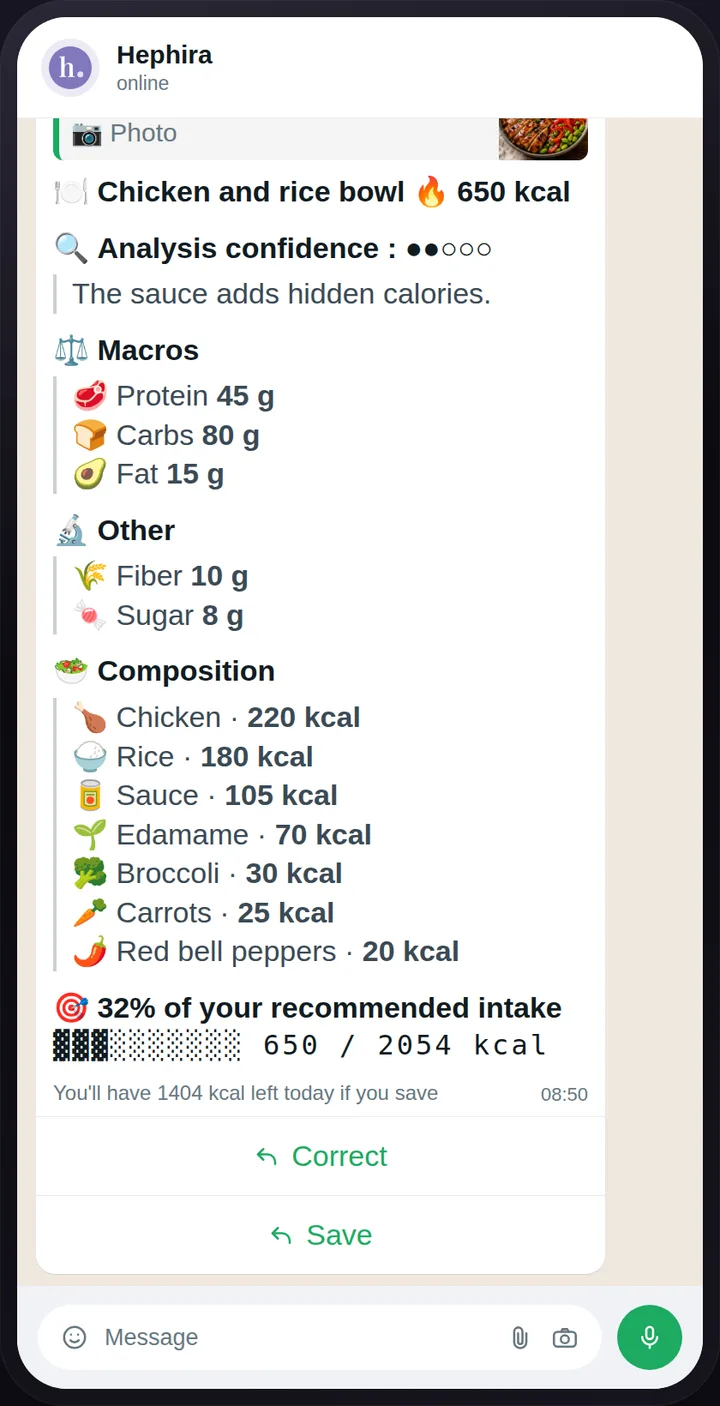
Read the analysis, then save it
The reply arrives in the conversation: the dish it recognized, the calories, protein, carbs and fat, and an ingredient-by-ingredient breakdown. Once your goal is set, it also tells you what you have left for the day. Tap “Save” to add it to your journal, or “Correct” to adjust an amount or an ingredient before saving.
Photo, voice or text: which one to use?
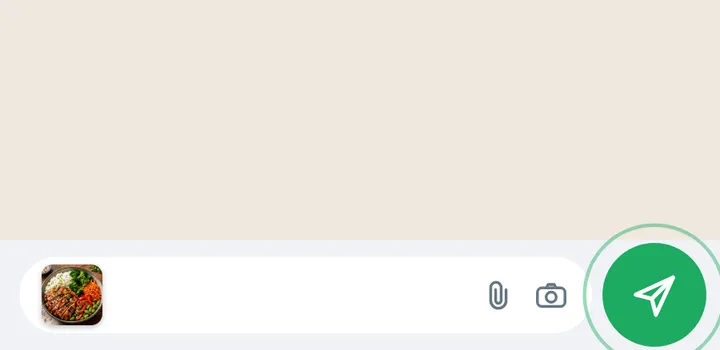
A photo is the fastest when the plate is in front of you and its ingredients are visible.
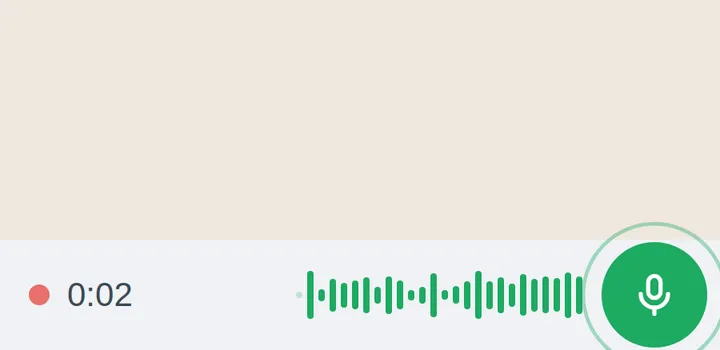
A voice note is handy when your hands are busy or the dish has many parts: you say what is in it and how much, the way you would tell someone.
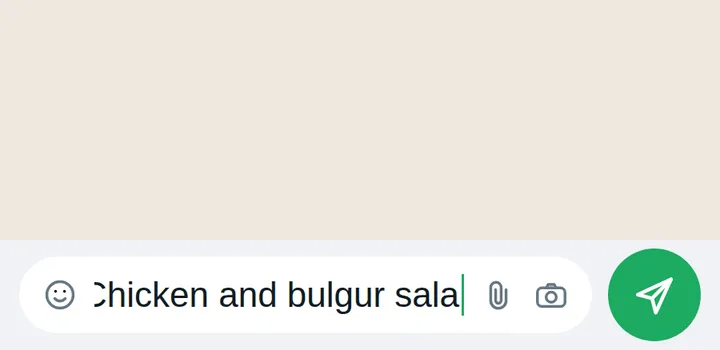
Text works for a meal you already ate, a snack, or when you know the amounts: “150 g of rice, a chicken breast, a spoonful of olive oil”.
How accurate are the estimates?
An analysis estimates from what it sees or what you describe. What cannot be seen (cooking oil, a sauce mixed in, a portion hidden under another) is the main source of error.
That is why every analysis shows its confidence, and tells you when a meal is hard to estimate. If a figure does not look right, “Correct” lets you adjust the amounts or the ingredients before saving, and you can still edit the meal later from your journal.
The estimates remain indicative and may contain inaccuracies, sometimes significant ones. Hephira is a nutrition tracking tool, not a medical device.
Tracking over time
Every meal you save goes into your journal. It opens with one tap from the conversation, with no password and no app: what you ate today, your calories and what you have left, and a calendar to look back at any day.
You also track your weight there. From your profile and the weight you are aiming for, Hephira works out your daily calorie target and estimates a date for each kilogram along the way, given as a range. See how the projection works
 Hephiraonline⋮Hephiraonline⋮
Frequently asked questions
Do I need to install an app?
No. Everything happens in WhatsApp, which you already have. Your journal opens from a link sent in the conversation, right on your phone, with no password.
Is it free?
For the first 3 days, yes, with everything included and unlimited analyses. No credit card is required, and the trial does not turn into a subscription on its own. After that, the subscription price depends on the country you subscribe from, and it is shown on the home page. See pricing
How much time does it take each day?
About as long as sending one message per meal. The analysis arrives in a few seconds, and you save it with one tap.
What happens to my photos?
Your photos and your data are never public. Since your messages go through WhatsApp, they also remain subject to Meta's rules. You can export your data or delete your account at any time. Privacy policy
Which languages?
Hephira works in 9 languages: English, French, Spanish, German, Italian, Portuguese, Polish, Japanese and Thai.
Try it with your next meal.
Try it free on WhatsApp3 days free · no credit card